

Job Drive
Walk in skilled. Walk out with an offer.
Path Saathi job drives bring our hiring partners to your Skill Development Centre for a day of interviews. Here's how to get there, and exactly what happens on the day.
Step 1
Complete your profile
Sign up with your mobile number, then add your details, education and resume. Finishing it opens your Skill Passport interview.
Step 2
Skill Passport AI Interview
Take a short AI mock interview. Your Skill Passport shows employers your strengths - they open it beside your resume when you sit at their table.
Step 3
Register for Online Certification
Pick a course and start learning. Your certification decides which employers and roles you can be matched with at a drive.
Step 4
You're eligible for Job Drives
Open Job Drive from your dashboard and register for an upcoming drive - the ones at your nearest centre are listed first.
Before the drive
Register for a drive
- 1
Open Job Drive
Sign in on pathsaathi.com and open Job Drive - you arrive in the Job Portal already signed in, with your profile and nearest centre carried across.
- 2
Pick a drive
Upcoming drives at your nearest centre come first, then every other upcoming drive.
- 3
Register in one tap
Confirm on the pop-up. If WhatsApp confirmation is on, you confirm by sending us a WhatsApp message. When a drive is full you join its waiting list.
Your profile must be complete
Registration asks for these - if anything is missing, you'll be taken to fill it in.
- Name, email, date of birth and gender
- Father's name and mobile number
- Aadhaar number, with your consent
- Your resume
- When you can join, where you can work, and the languages you speak
On the day
Your drive day, step by step
Your phone guides you through the day on the Your drive day screen. The steps always run in this order.
- 1
Check in
At the registration desk, give your mobile number - the volunteer confirms the last 4 digits of your Aadhaar and checks you in. Or tap I am at the venue on your phone.
Good to know: Check-in opens only on the day of the drive.
- 2
Counselling
Your phone shows Go to counselling now, the room, and your counselling number. After the session, tap Scan QR and scan the code on the counselling desk.
Good to know: Phone can't scan? The staff on the floor can mark you as counselled.
- 3
Choose your employers
See every employer at the drive and pick up to 3 you're eligible for - and the roles you want - then press Join. You get a token for each employer.
Good to know: One line is live at a time, shortest first. SDC-trained students get priority in a line.
- 4
Interview
Your phone tells you when an employer calls you to their table. They see your resume and Skill Passport side by side, interview you, and record their decision.
Good to know: When one interview is saved, your next line opens and you're told.
- 5
Leave with feedback
When you're done, tap Leaving the venue?, pick a reason and share quick feedback. Any lines you still hold are closed for you.
After the drive
From interview to joining
- 1
Results
Read them under Interview results - usually 24 hours after the drive ends, sometimes sooner. You'll share a little feedback about the day first.
- 2
Next round
If an employer shortlists you for another round, we'll invite you on WhatsApp.
- 3
Offer letter
Offer letters arrive by email with the salary and joining date. Open the link and choose Yes, I accept.
- 4
Joining
Tell us you've joined - with your joining document - so your placement is confirmed.
Gallery
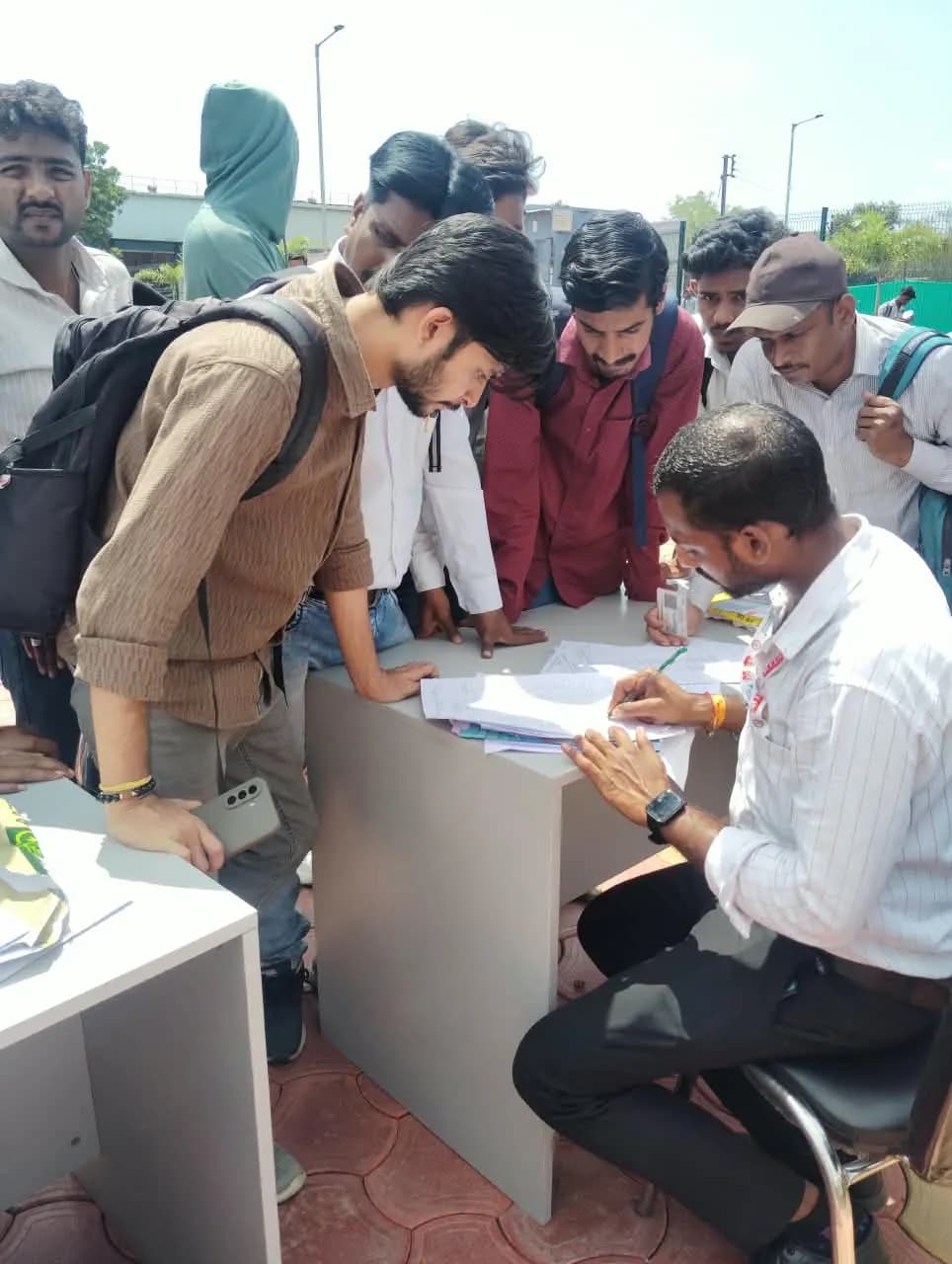
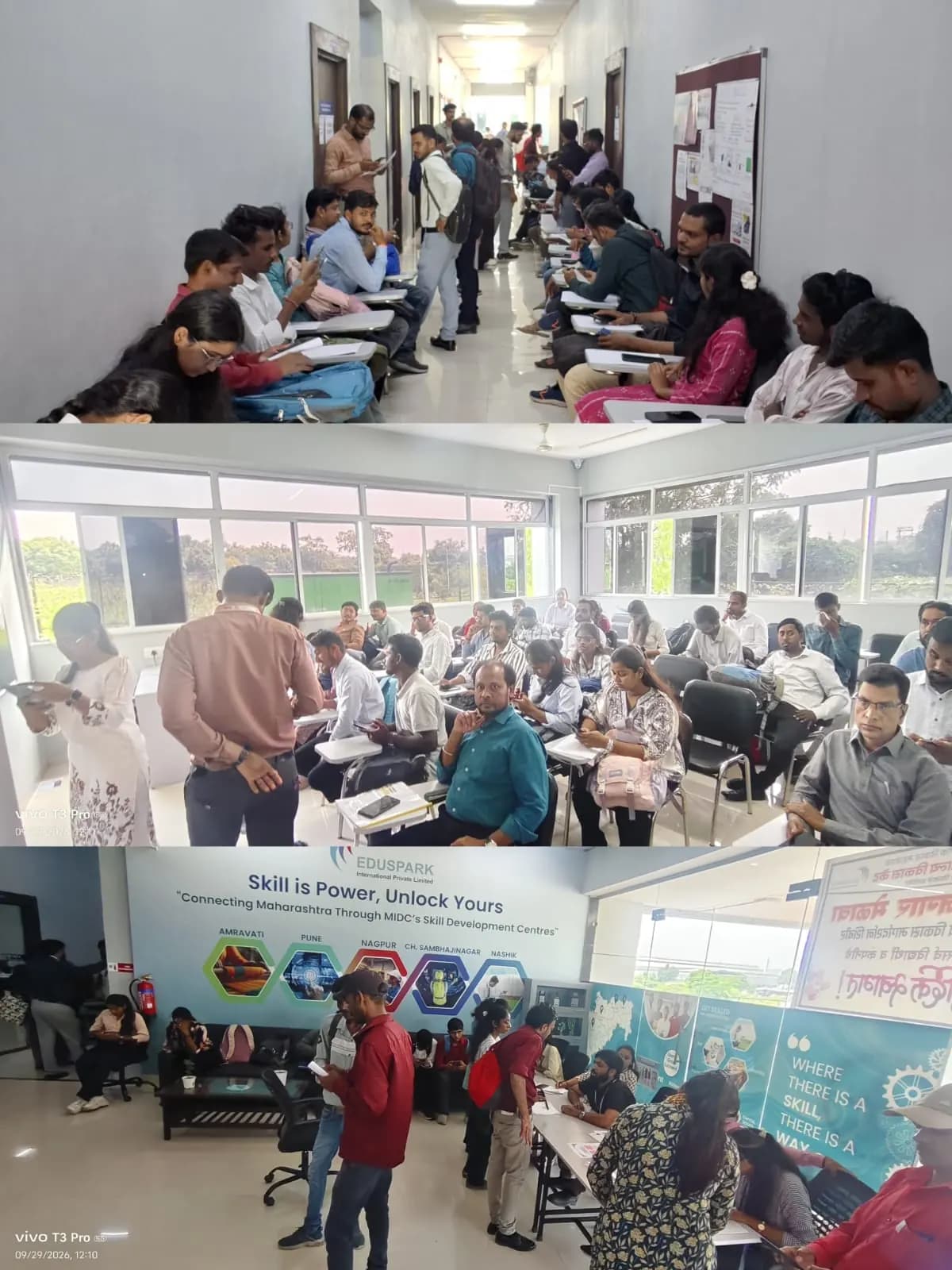
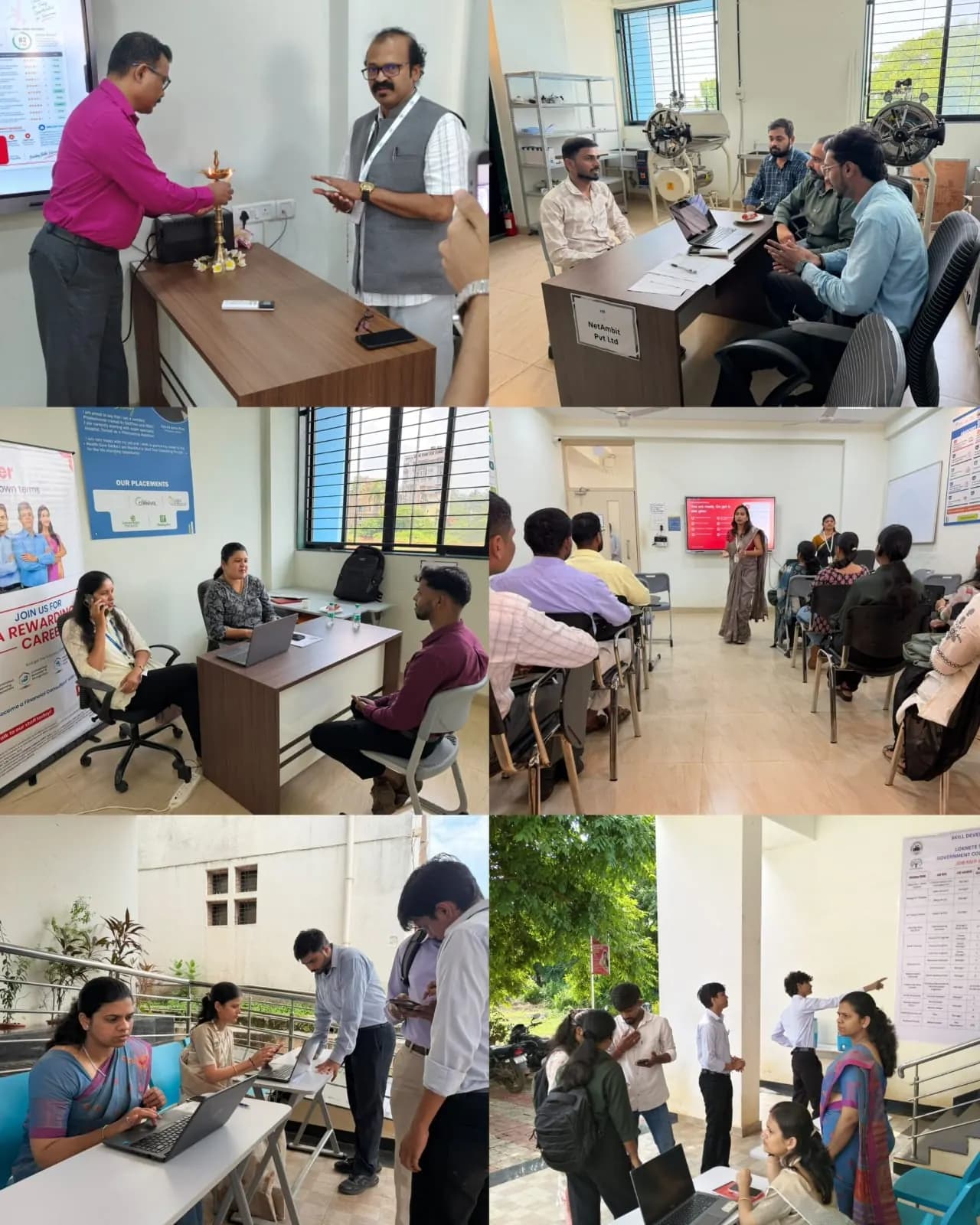
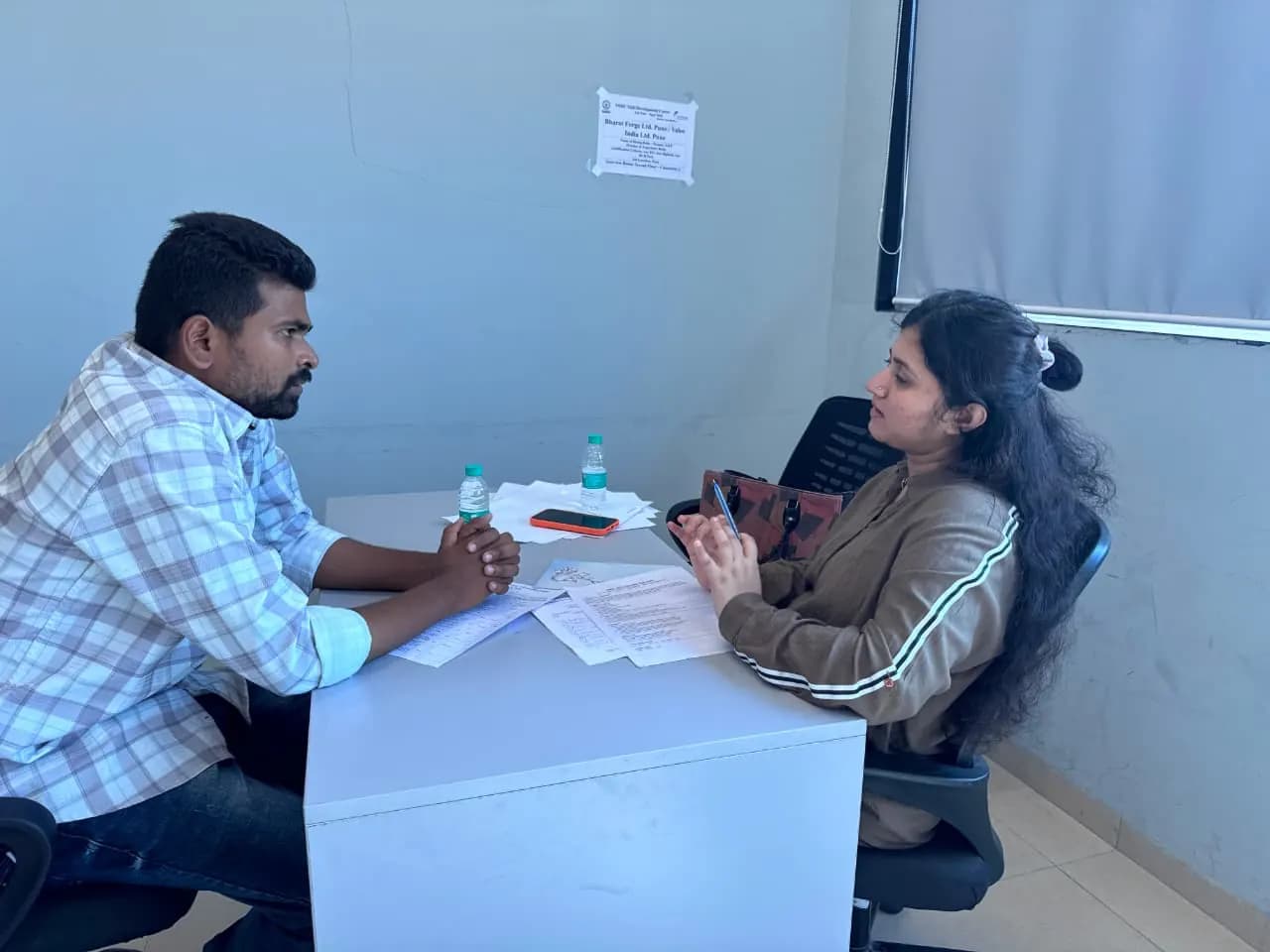
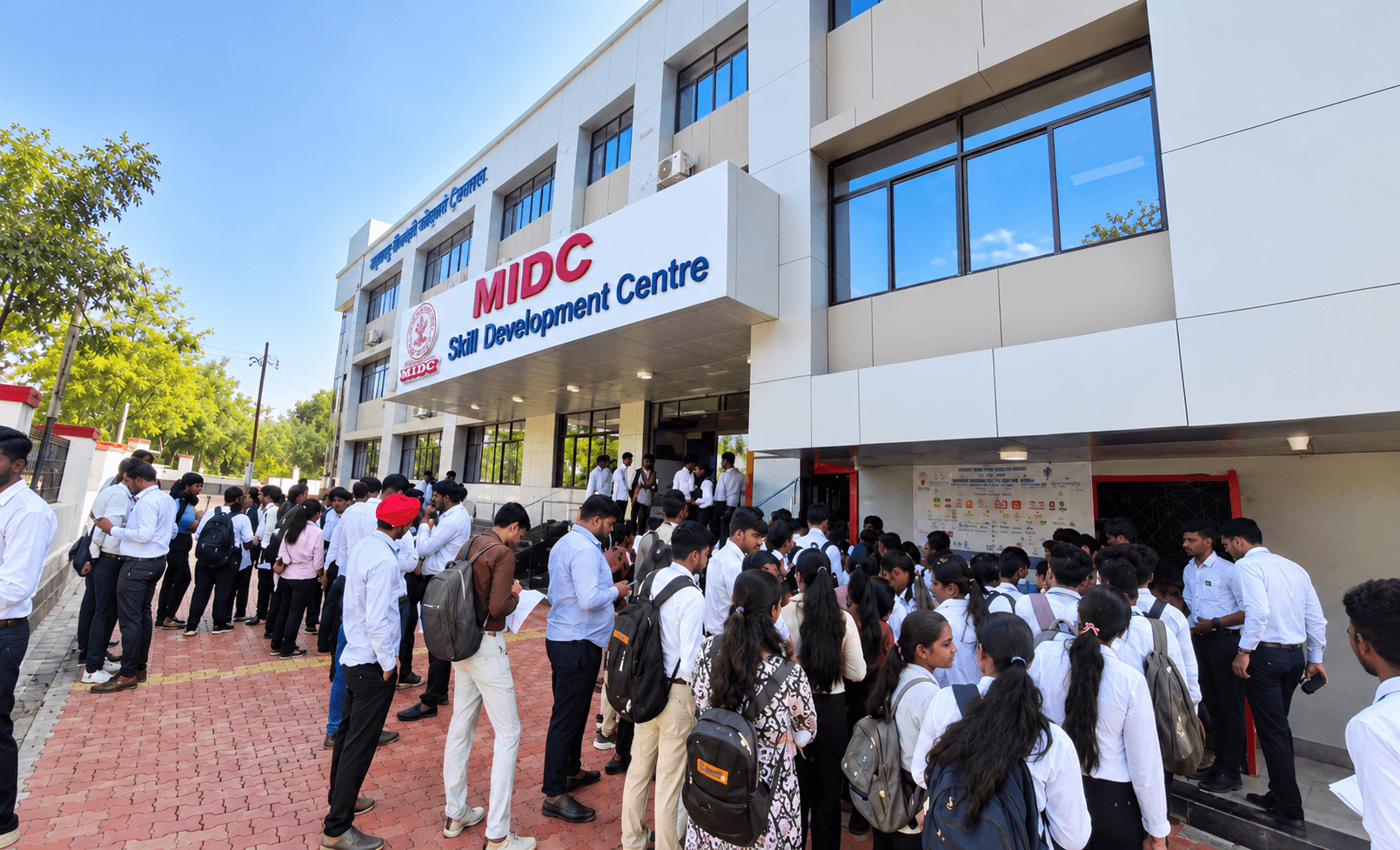
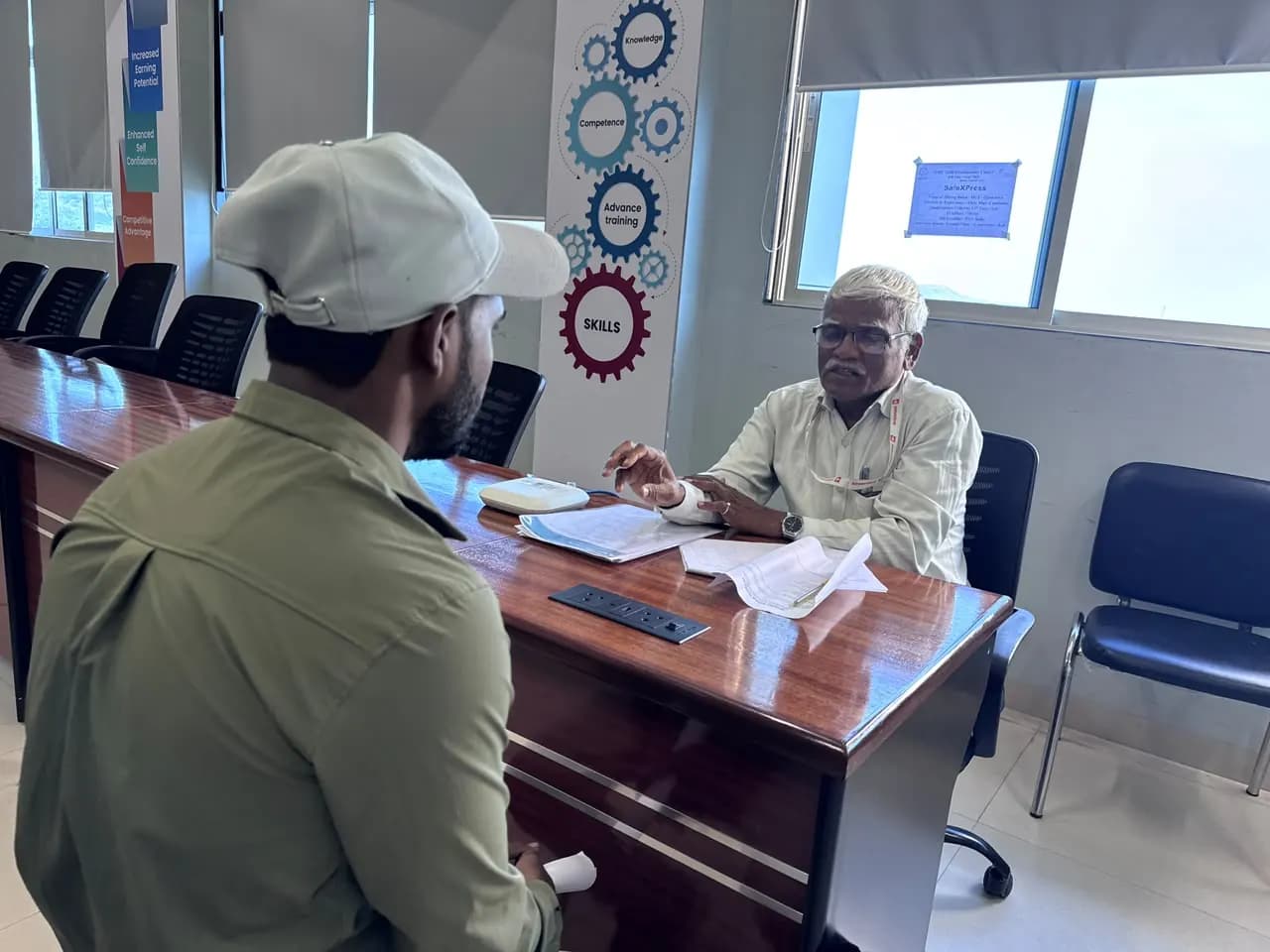
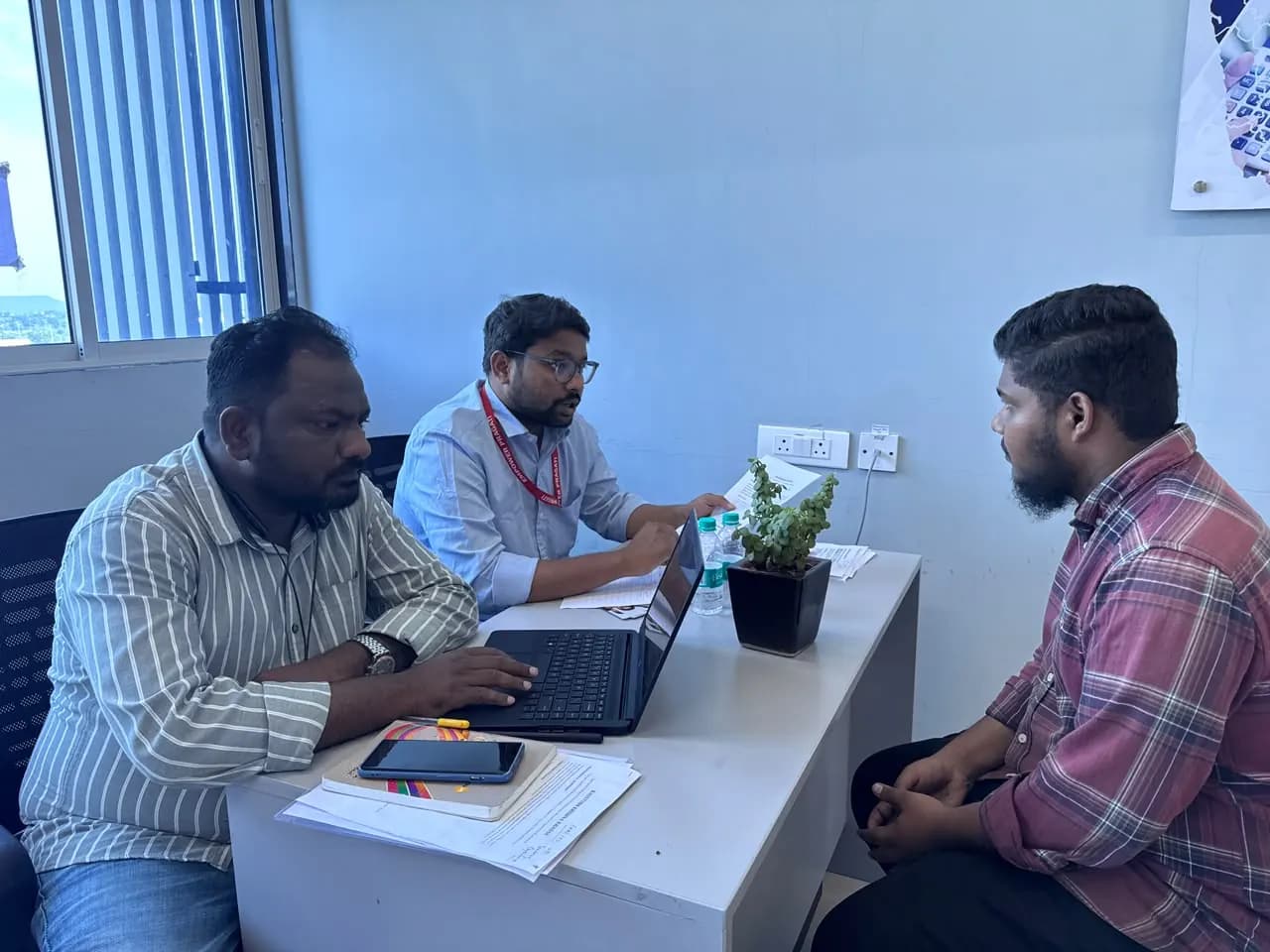
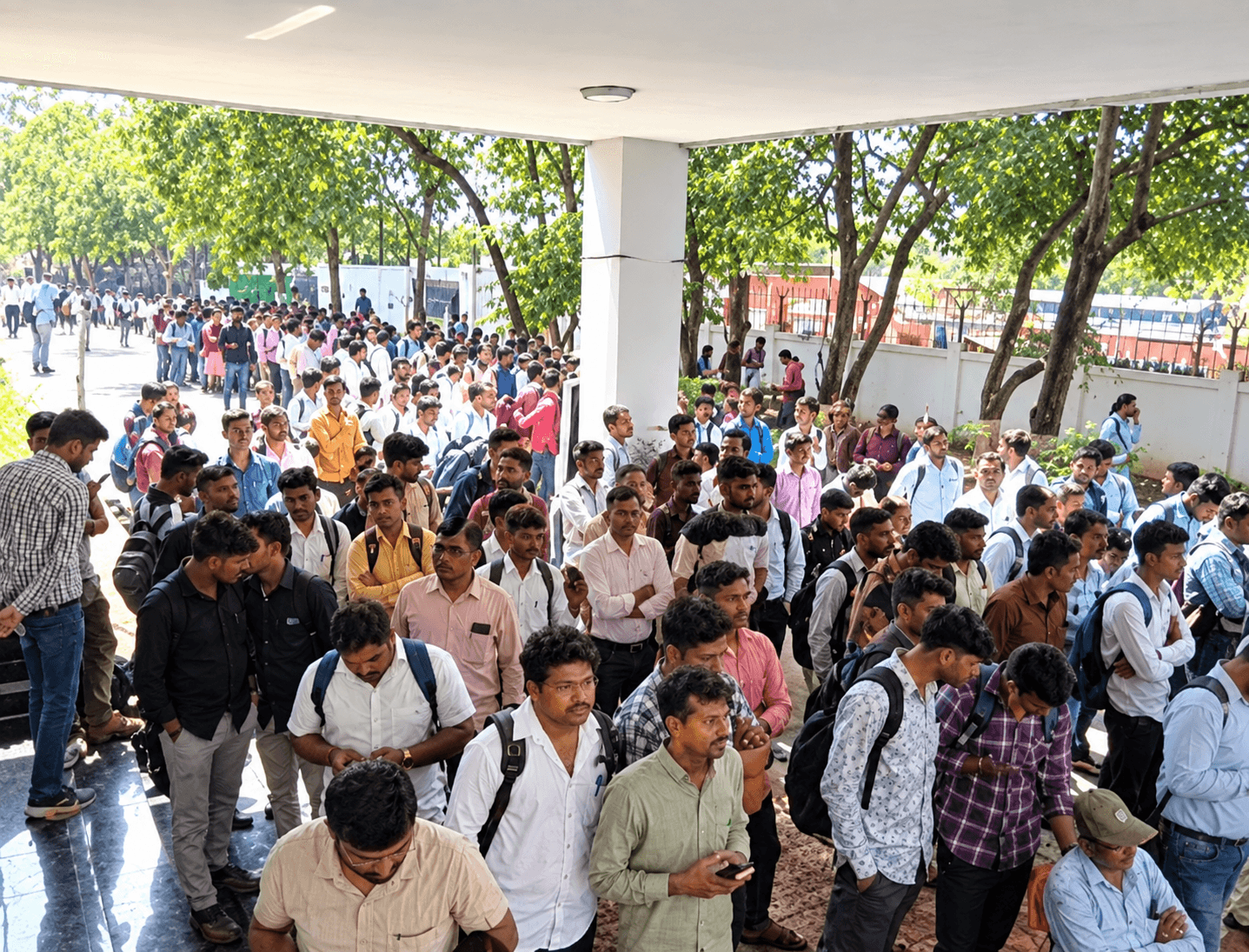
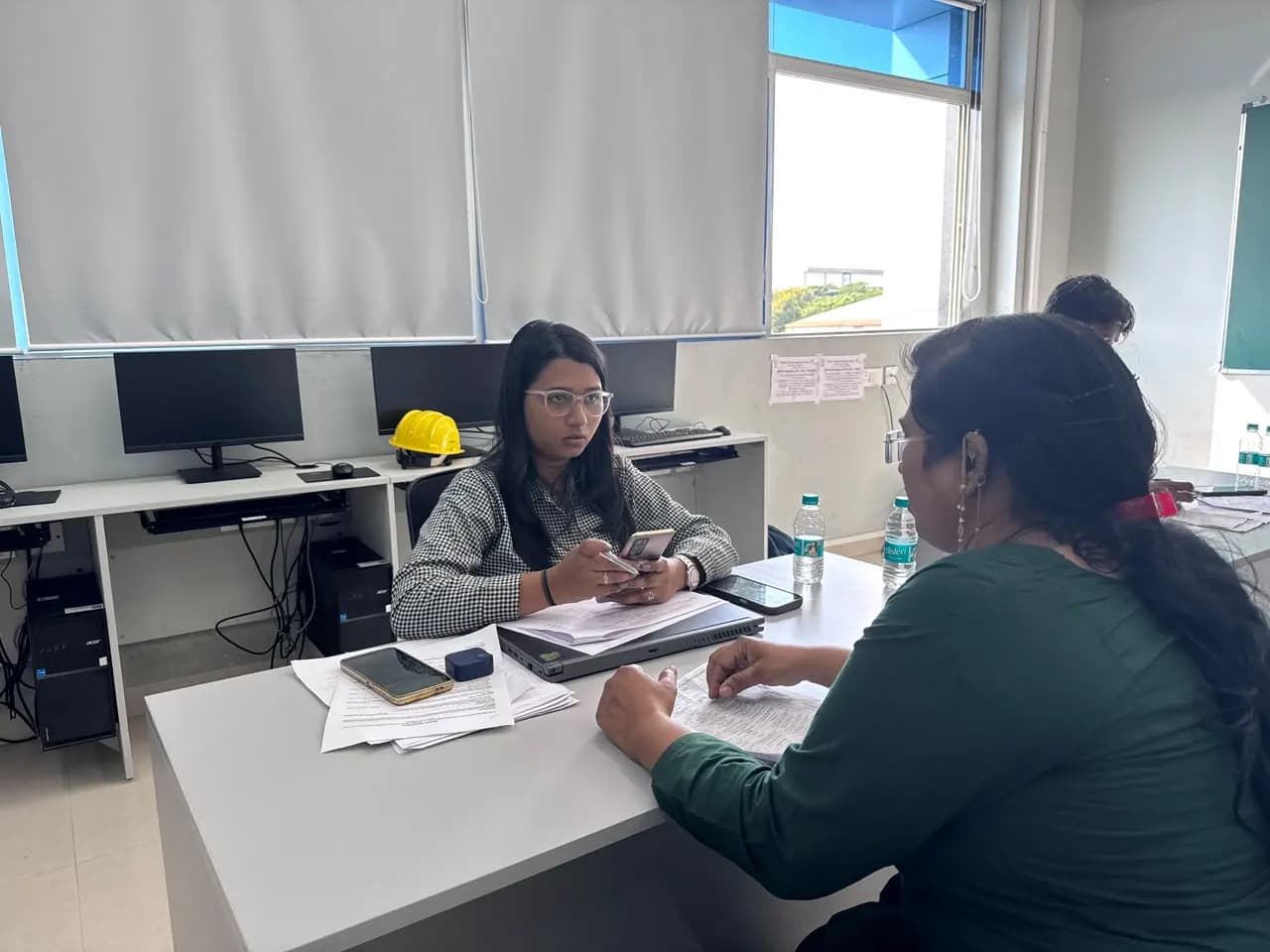
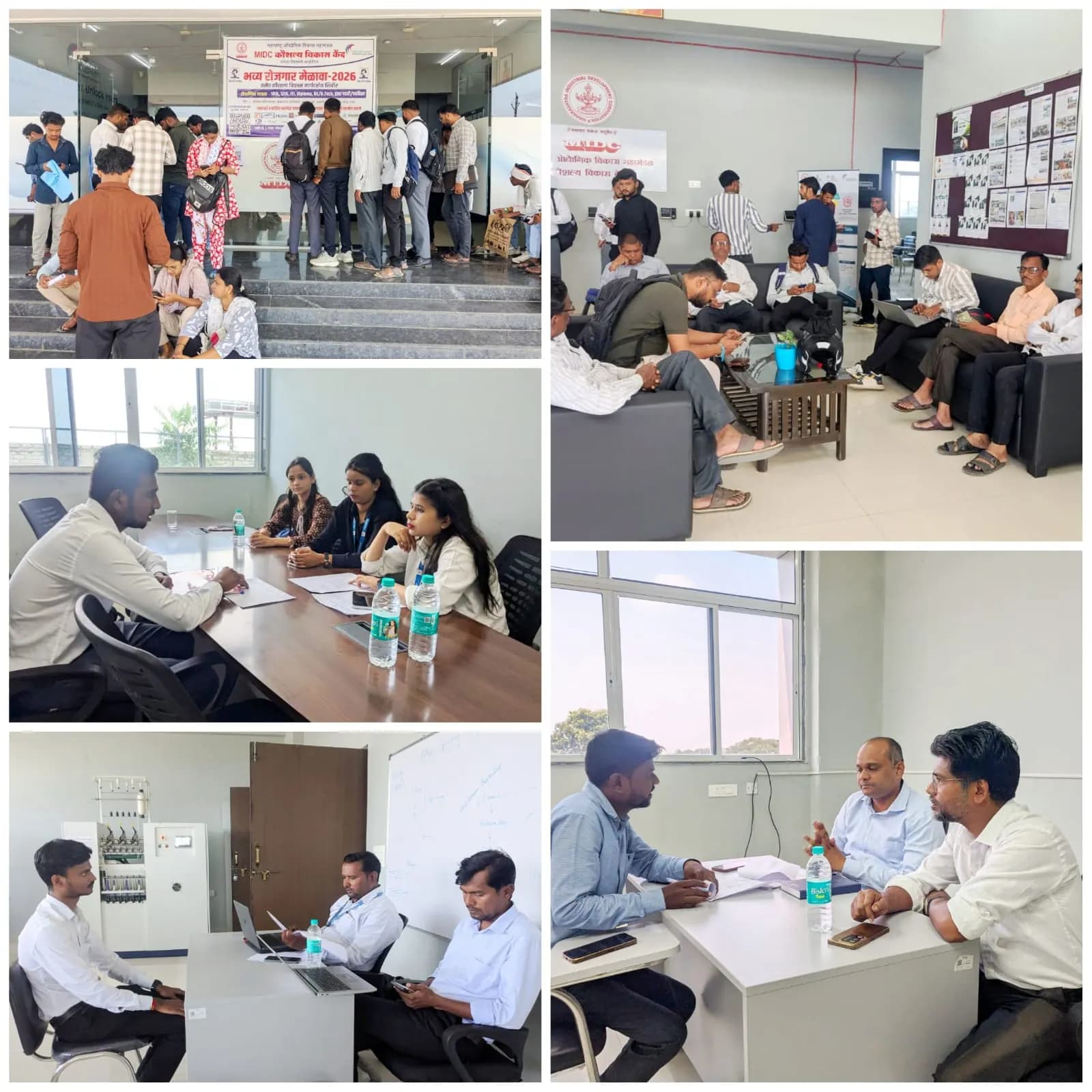
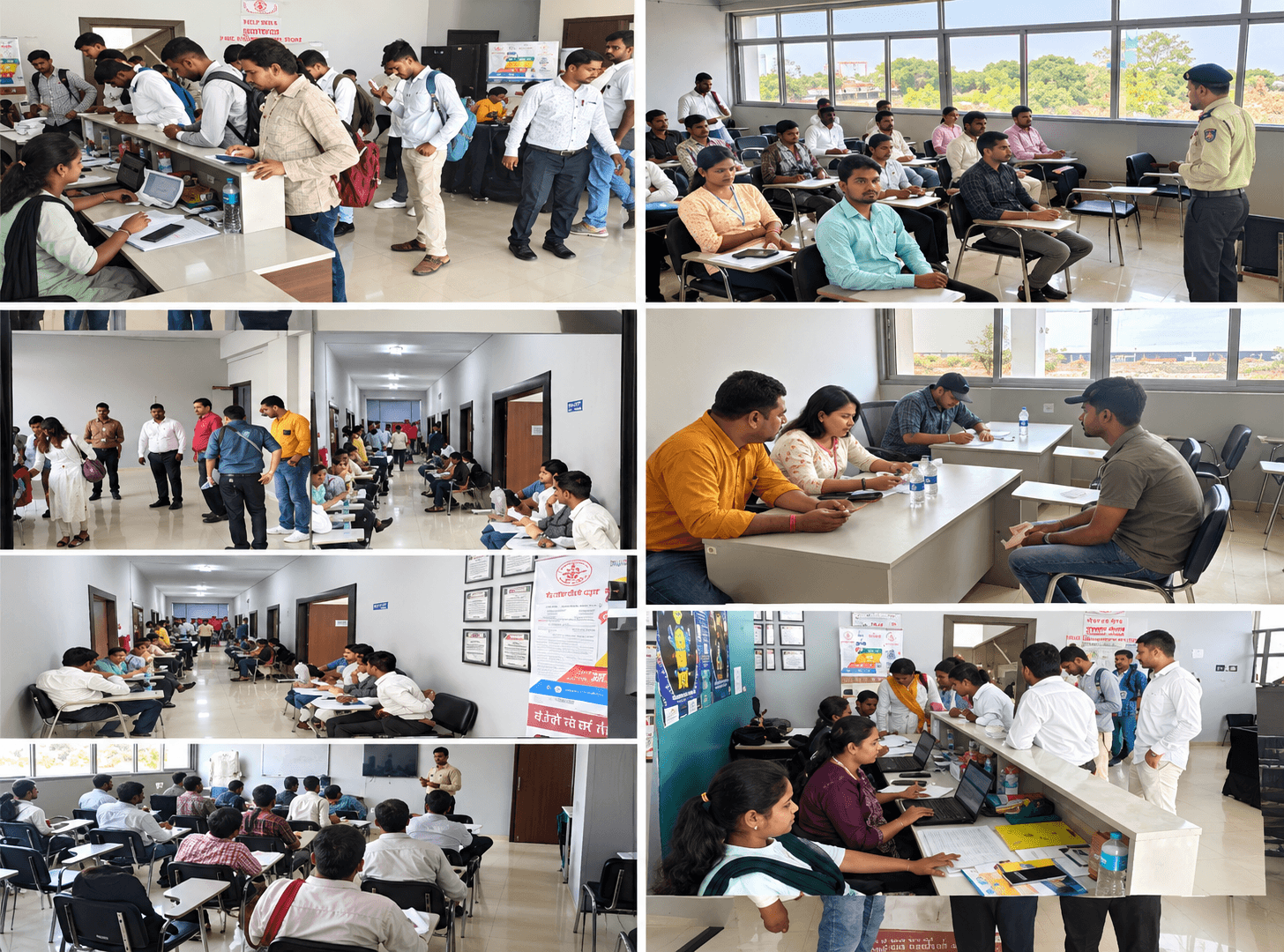
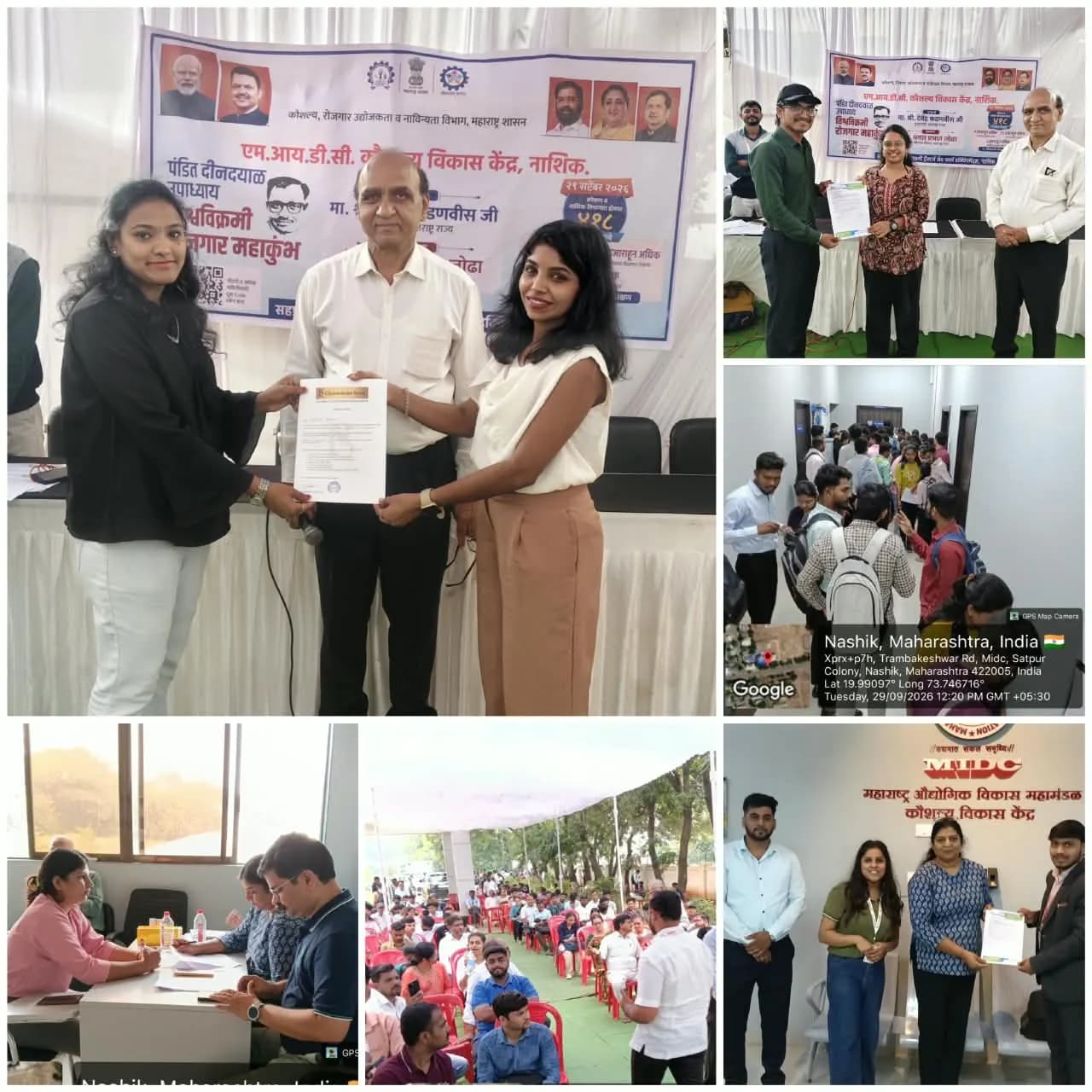
Job drives at our centres
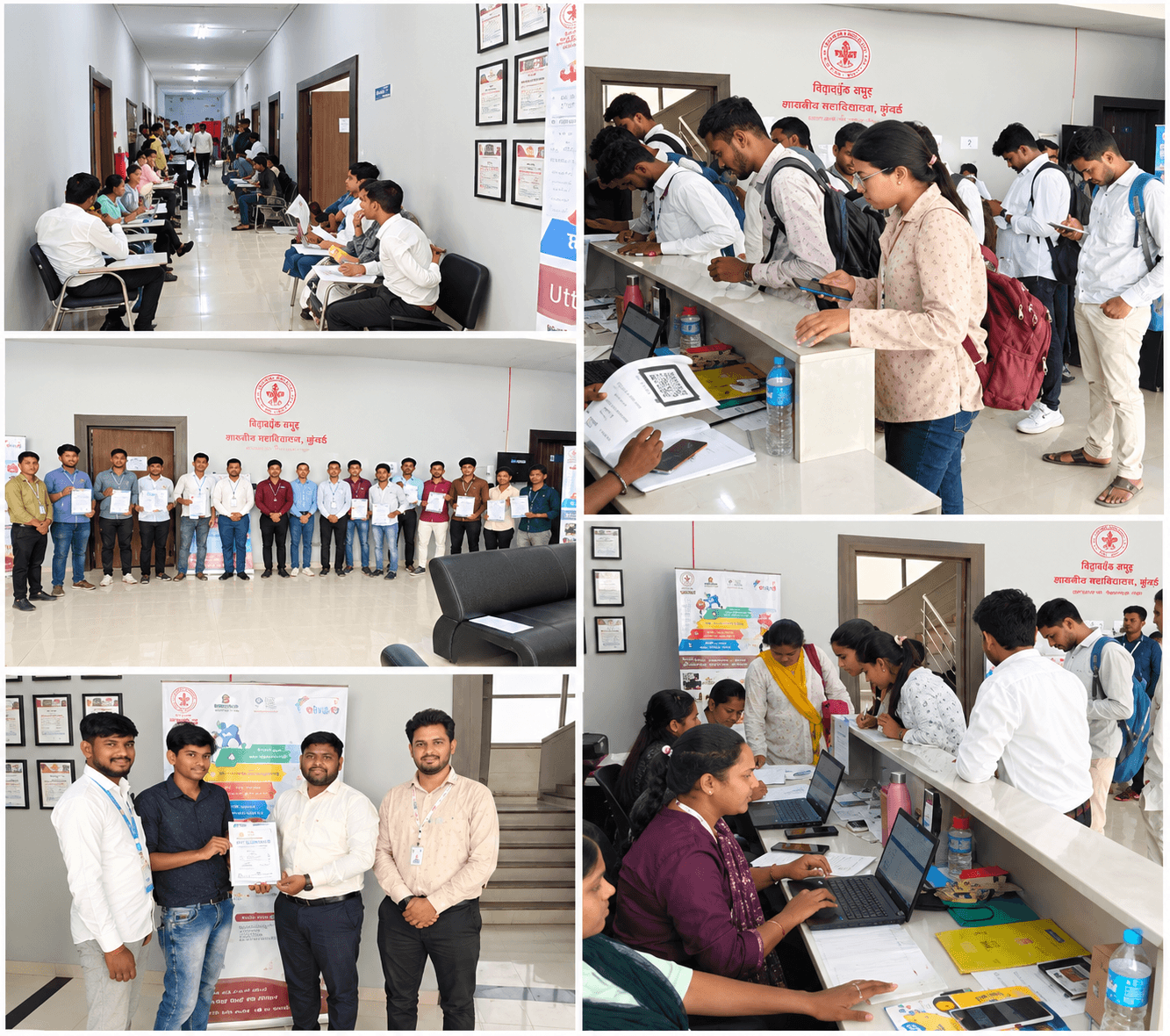
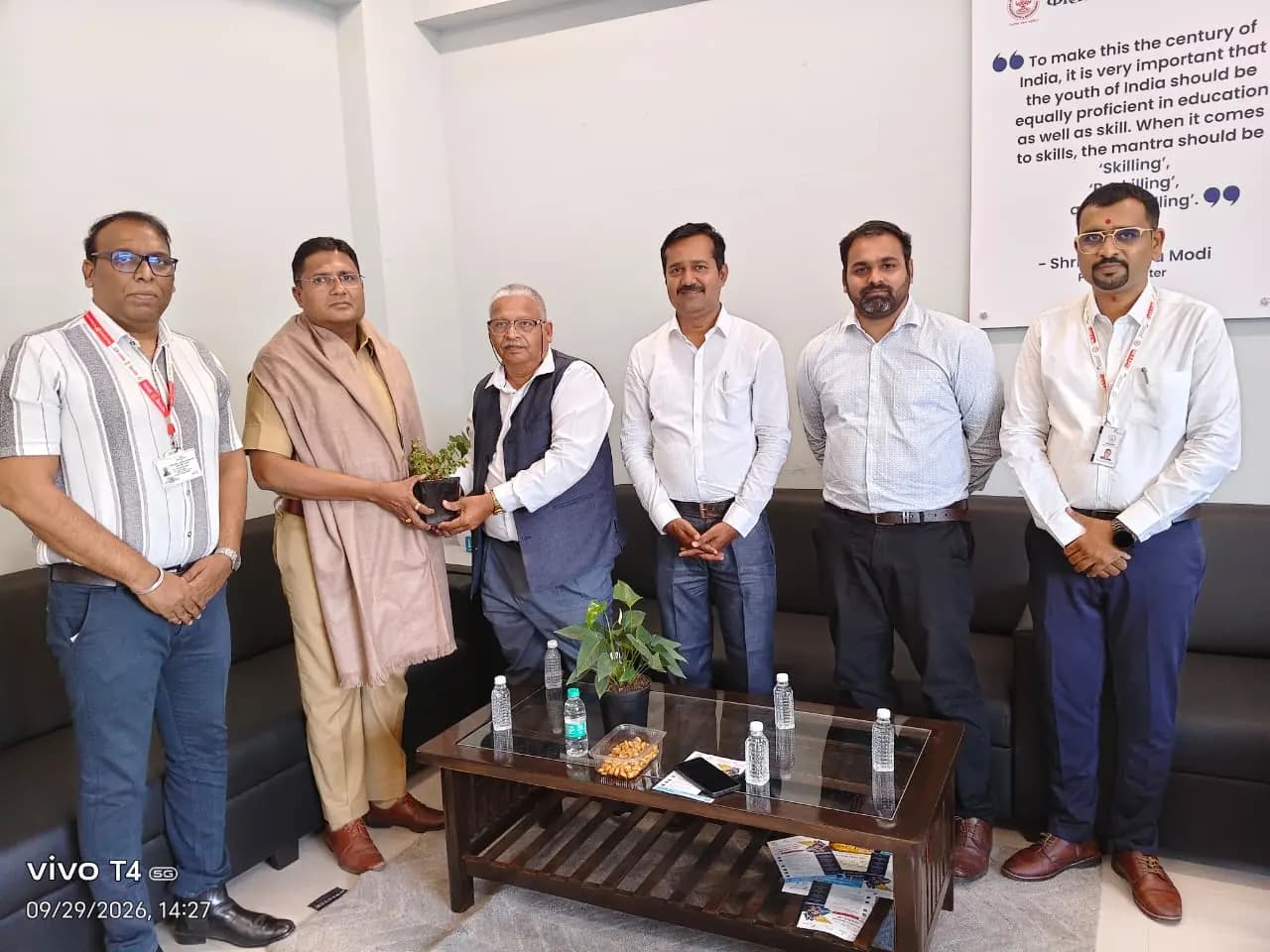
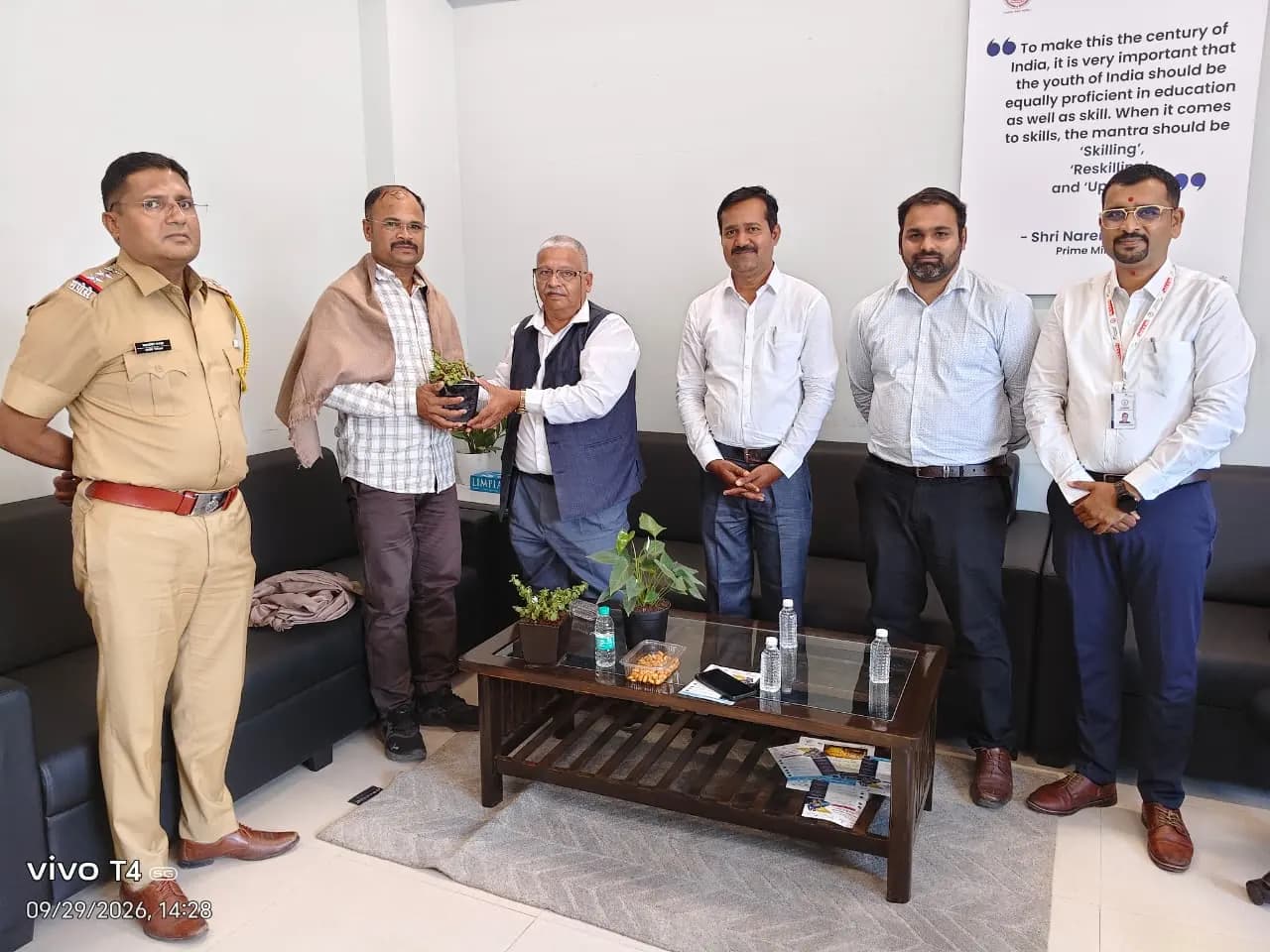
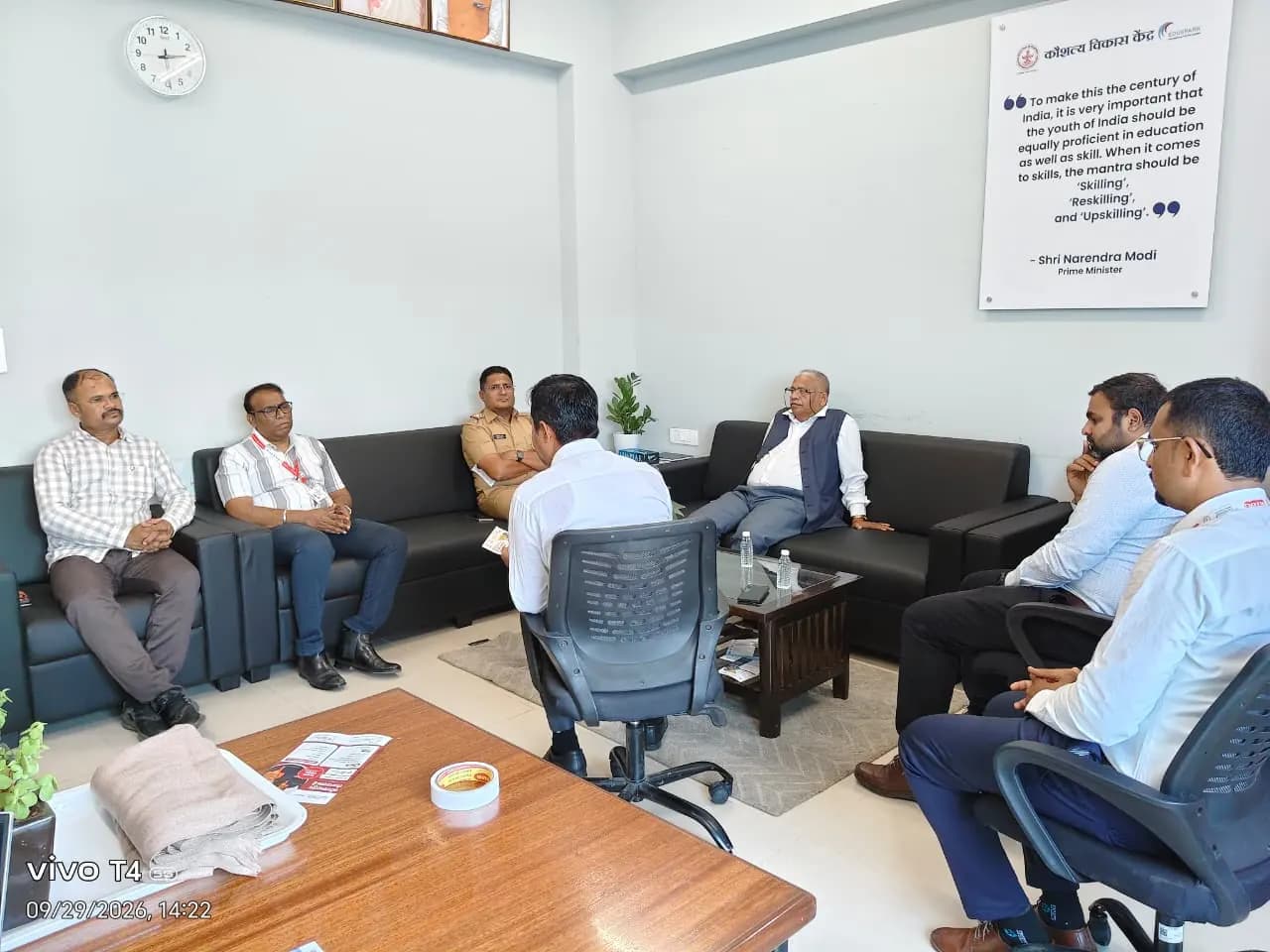
Ready for your first job drive?
Start with your Skill Passport - it takes a few minutes.